Counter
Counter, which you can find under System Settings, offers a quite flexible opportunity to define unique reference numbers for Forms. Users with a valid user license can request a unique counter value when using the HybridForms Client App online.
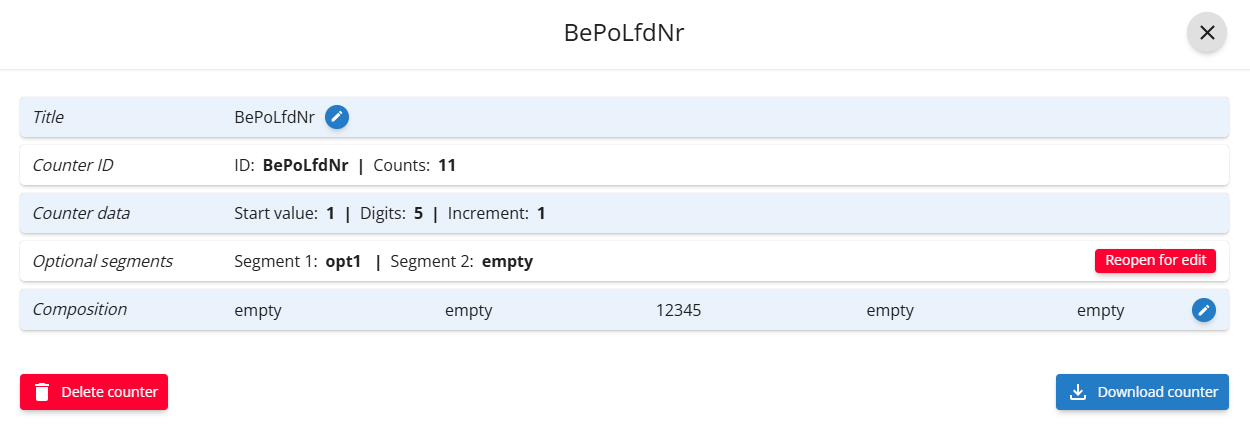
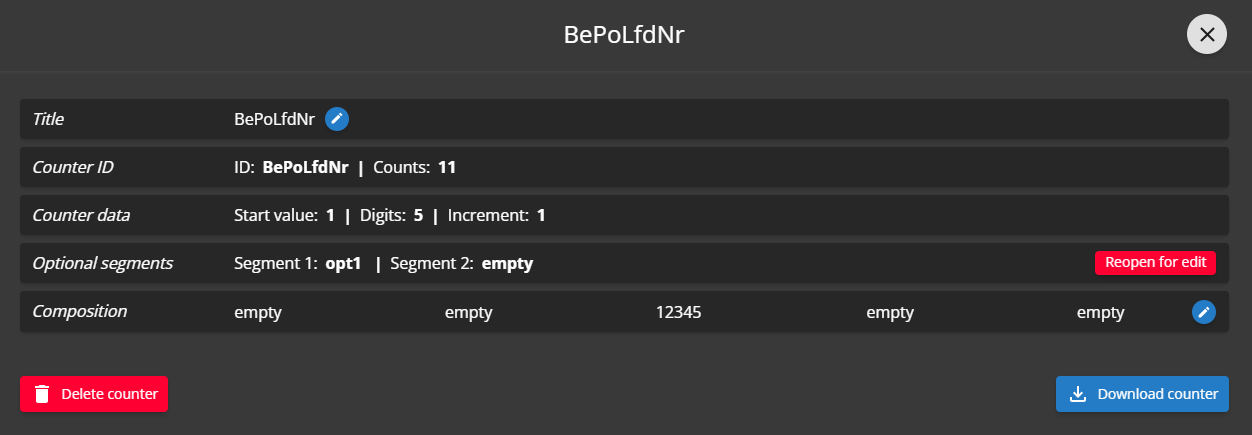
Counter
- Counter ID: Used in the Form Definition as reference.
- Counter Data: Freely selectable numerical values for counter start value, counter increment and digits to be used.
- Optional Segments: The options 1-6 must be defined in the Form Template (when used for the counter). With segments several counters can be started within a Form (eg. for each user, for each month or year…).
- Composition: Defines the layout of the unique counter value. Can have options which are set through API request and static separators.
Usage
To use a counter in the Form, "CustomCode" is needed. The App has to be online because the counter value has to be requested from server.
interface ICounterResponse {
    counter: number;
    formatedCounter: string;
}
interface ICounterOptions {
    opt1?: string;
    opt2?: string;
    opt3?: string;
    opt4?: string;
    opt5?: string;
    opt6?: string;
}

interface ICounterData {
    options: ICounterOptions;
}
if (!HybridForms.API.Platform.isOnline()) {
    HybridForms.API.Messages.info('The App has to be online to get a counter value');
    return Promise.resolve();
}

const counterId = 'ExampleCounter';
const requestBody: ICounterData = {
    options: {
        opt1: 'exampleOption',
    },
};

return HybridForms.API.XHR.request({
    type: 'POST',
    url: HybridForms.API.Activation.getUrl(`~/counter/${counterId}`),
    headers: { 'Content-Type': 'application/json' },
    data: JSON.stringify(requestBody),
})
    .then((response) => {
        try {
            let counter: ICounterResponse = JSON.parse(response.responseText);
        } catch {
            return Promise.reject();
        }
    })
    .catch((error) => {
        if (error.errorCode === 1200) {
            // error messages here
        }
    });
Error codes
- 1200: Counter not found. There is no counter with the given ID.
- 1202: Invalid counter request. The request body is not valid.
- 1203: Counter is not active. The counter must be activated first.
FormDev
In the formDev environment any counter used in the form can be formatted by a JSON-file. The counter definition is then referenced by file name "counter.{CounterID}.json".
The file defines the digits count and composition of the counter:
{
    "digits": 3,
    "formatGroupBefore2": "opt1",
    "formatSepBefore2": " - ",
    "formatGroupBefore1": "",
    "formatSepBefore1": "",
    "formatSepAfter1": "",
    "formatGroupAfter1": "",
    "formatSepAfter2": "",
    "formatGroupAfter2": ""
}
In the formDev environment a random number with the given digits is generated. The default digits length equals four.
Composition
The composition can be used to format the counter value the same way as the server-side variant.
{formatGroupBefore2}{formatSepBefore2}{formatGroupBefore1}{formatSepBefore1}{counter value}{formatSepAfter1}{formatSepBefore1}{formatSepAfter2}{formatGroupAfter2}